
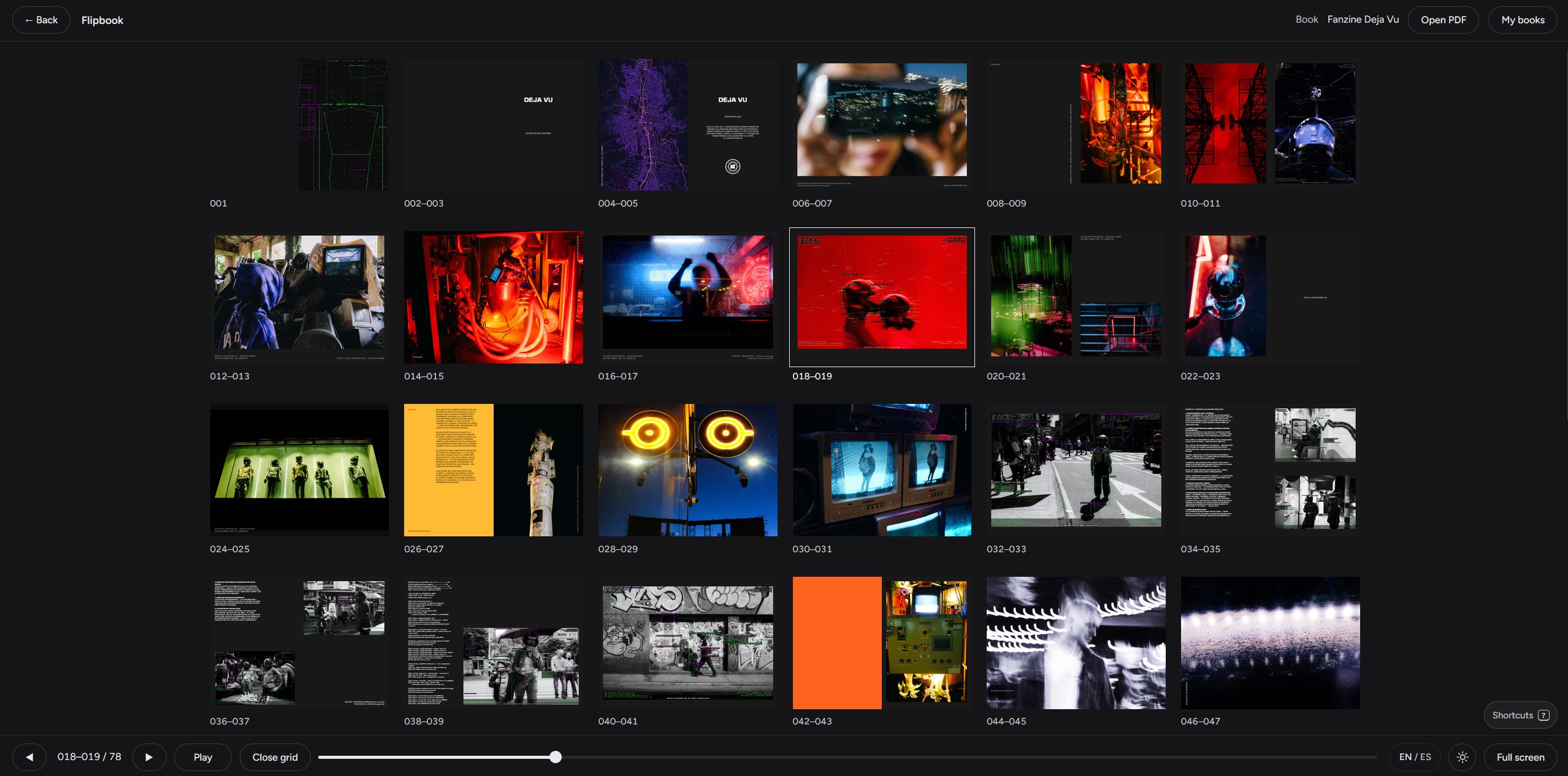
This is our lucky day, thanks to Cristian Gallego, who created a set of tools I’m assuming some of you will want to know about. Just check out these links! As you all know, I’m a total luddite when it comes to anything technical. I haven’t opened imaging software in over a year. I’m now going straight from camera to phone to laptop to book. It works for me. And besides, I never figured out Lightroom in the first place. Way too complicated for people like me. I lack political will. Same goes for DaVinci Resolve. I have it. I see it. I ignore it. So, thank you to Mr. Gallego!
Hope you’re doing great! I wanted to share something I’ve been building over the past few months. It’s a small set of free tools for photographers, made especially for people working on photobooks:
• Flipbook: drop the PDF of your dummy and flip through it as a real book, full screen, spread by spread.
https://cristiangallego.com/herramientas/flipbook/
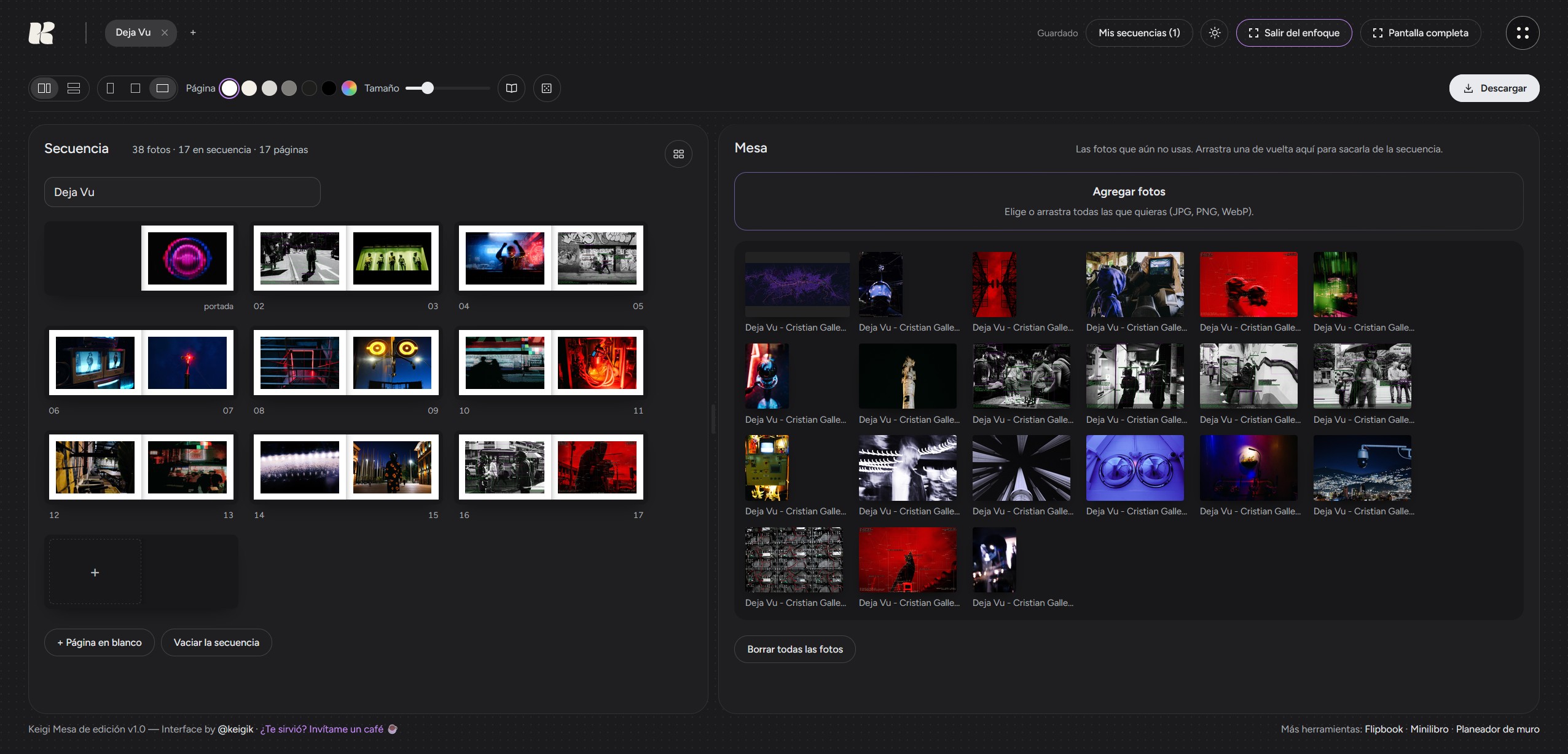
• Editing table (Sequencer): lay all your photos on a table, pair them into spreads, and put them in order, the way you’d do it with prints on the floor. Then you export a PDF dummy or send it straight to the Flipbook.
https://cristiangallego.com/herramientas/sequencer/
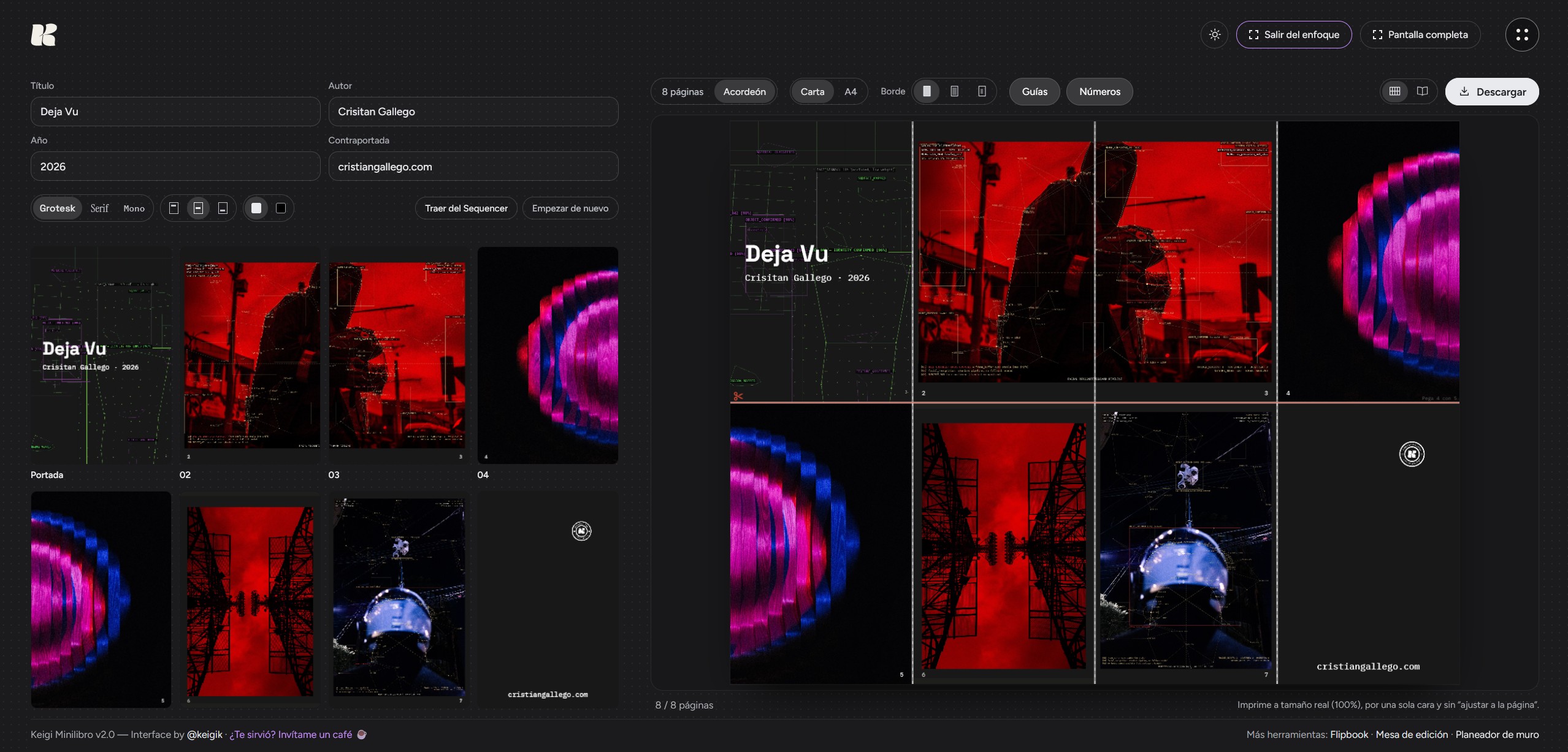
• Minibook: upload 8 photos and get one sheet ready to print, cut, and fold into an 8-page zine.
https://cristiangallego.com/herramientas/minibook/
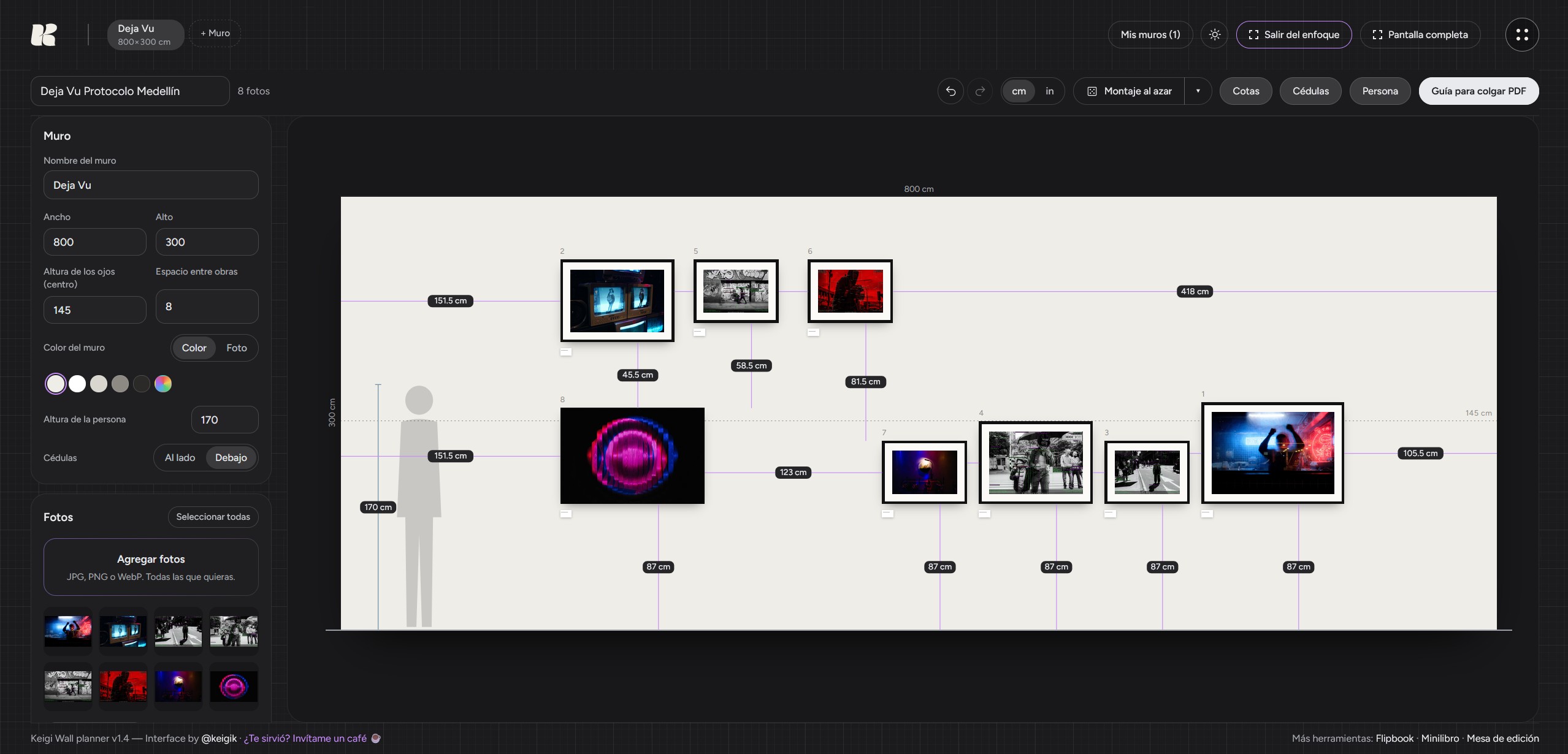
• Wall planner: plan a show on the wall to scale, with frames, labels, and a hanging guide with the exact spot for every nail.
https://cristiangallego.com/herramientas/wall-planner/
They’re all free, no sign-up, and the photos never leave your computer. Everything happens in the browser; nothing gets uploaded.
I made them because I needed them for my own projects, and I think they could be really useful for people working on a dummy before taking it to Blurb. If you think they’re worth it, feel free to share them with your community. If you try them, I’d love to hear what you think, or what you’d change.
All the tools are here:
https://cristiangallego.com/herramientas/
Comments 3
this looks very promising thanks for showcasing it here, I am always on the look out for new solutions since my adobe subscription ends in a few weeks
all the best
Author
Yes, me too.
Yes, this looks useful, especially the table idea. I started out with all my possible photos on a table, but they didn’t all fit. This would be great for an initial edit down to a manageable number of printed photos. A large magnetic board would be perfect, but I don’t have that at home, or space for one. The flipbook, though I haven’t tried any of these yet looks like it would function like the Preview in Blurb Bookwright. The best part of the Preview, which I find very useful, is that it is easy to go back and forth to the editable project pages to make changes. I will also use the picture-hanging function of this- I have a gallery wall in our family room, which I rearrange periodically, and this would be very useful. Free is great!